
Internal Linking Playbook: 90 Days to Compound Rankings
Most founders publish a post, drop one or two links into it, and move on. Six months later they wonder why posts from 2022 still outrank everything they wrote last quarter. The problem isn't the content. It's that authority has nowhere to go.
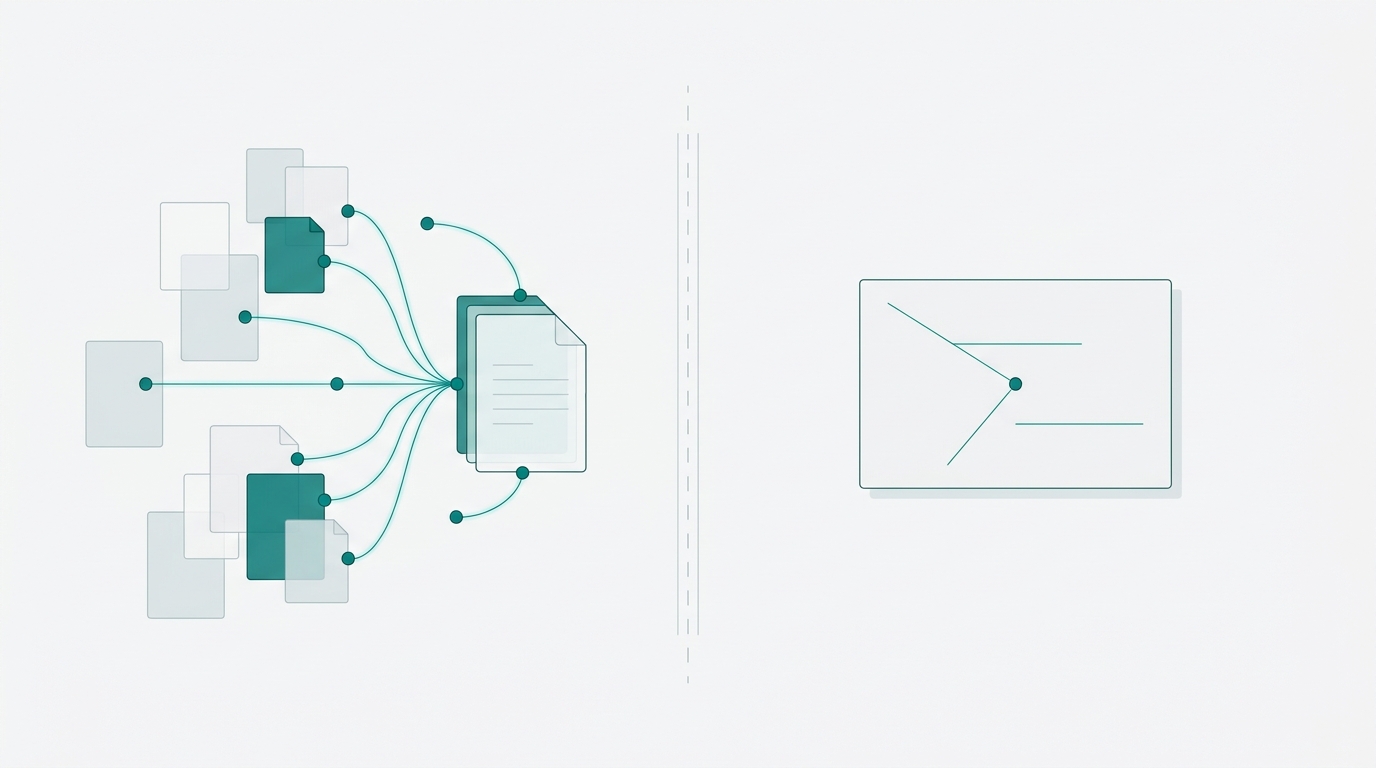
Internal linking is the mechanism that routes PageRank from your established pages to your newer ones. Done randomly, it accomplishes almost nothing. Done in sequence, with real data behind each decision, it compounds. Every link you add this week can increase crawl frequency and PageRank flow to a target page, which may help lift rankings, earn more clicks, and signal relevance to Google over time.
That feedback loop is the whole game. This playbook runs it over 90 days, in three measurable phases.
Why Random Internal Linking Doesn't Compound
There's a difference between adding links reactively, as you publish, and adding them strategically, routing authority specifically to pages that need it. Most founders do the former. They link to whatever feels relevant in the moment, which means authority pools in a handful of old posts and never reaches the pages that could actually move.
Shopify's blog on internal linking benefits covers the authority distribution argument well, but it doesn't give you a sequencing model. That gap is exactly what stalls most attempts at internal linking improvement.
Three failure modes are worth naming because they each break the compounding loop in a different way:
- Orphan pages that have zero inbound internal links and are effectively invisible to Google's crawler, regardless of how good the content is
- High-authority posts that link nowhere useful, sitting on accumulated PageRank and passing none of it downstream
- Generic anchor text like "read more" or "click here" that Google treats as a near-zero signal about what the linked page covers
E9Digital's internal linking audit checklist identifies orphan pages and anchor text as the two most common internal linking errors. Both are fixable in a single audit session if you know what to look for.
Day 1-7: Run the Audit Before You Touch Anything
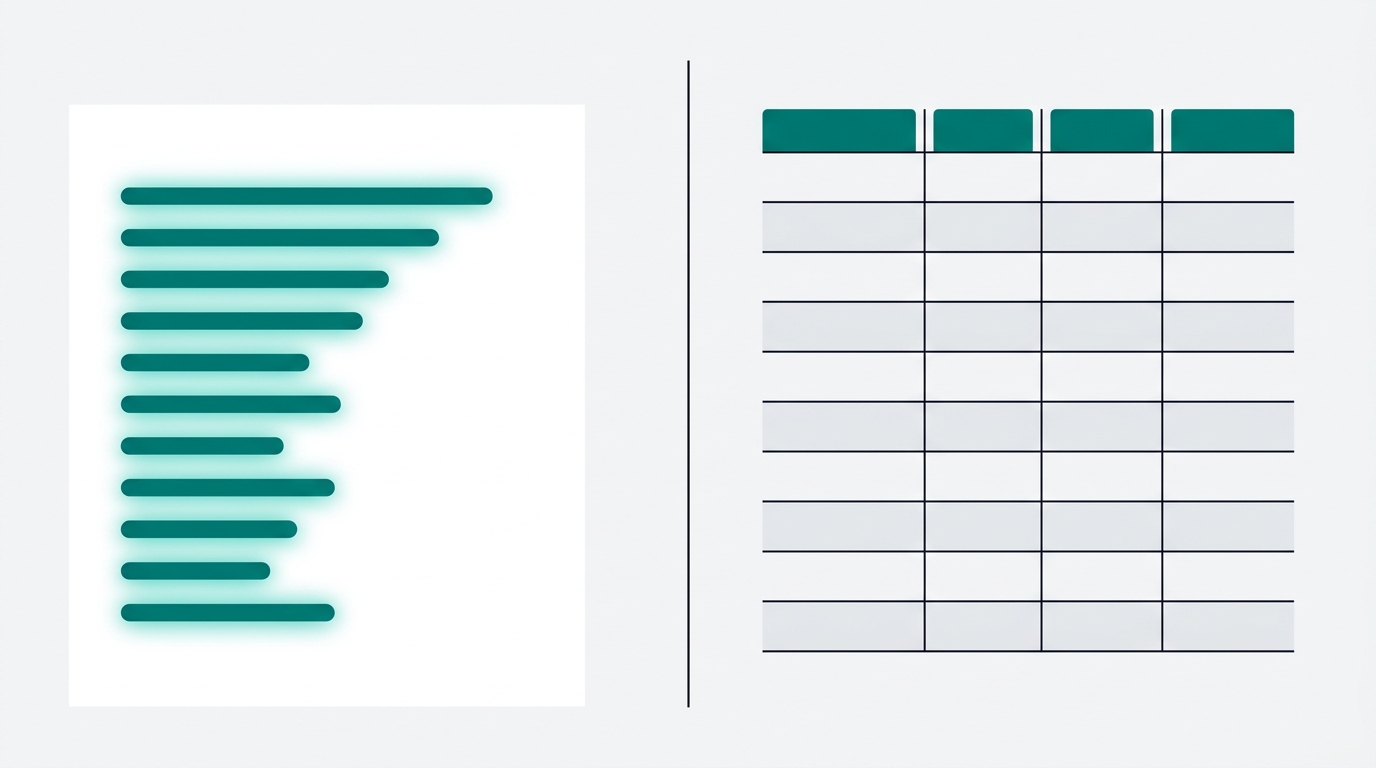
Before you add a single link, you need two lists. One tells you where your authority currently lives. The other tells you which pages are starving for it.
Start in Google Search Console: go to Performance > Pages, filter by the last 90 days, and sort by impressions. Copy the top 20 URLs. These are your authority sources. They're the pages Google is already surfacing for real queries, which means they've accumulated real PageRank. They're your link donors.
Next, export your full URL list and run it through Screaming Frog (the free version has a URL crawl limit) or Ahrefs Site Audit. You want one number per page: inbound internal link count. Flag every page with fewer than three. E9Digital explicitly names underlinked pages as a primary audit target, and this step is how you find yours without guessing.
Cross-reference both lists. High-impression pages with few inbound internal links are your Day 1 targets. High-impression pages with many inbound links are your donors. Bruce Clay's silo framework calls these cornerstone articles and treats them as link hubs. You don't need to build a silo from scratch to use the same logic. You just need to find the hubs you already have.
Document everything in a single spreadsheet: URL, impressions, clicks, current inbound internal link count, and a target link count. That spreadsheet is your before snapshot. You'll need it at Day 31.
Day 8-30: Add Links From Authority Pages First
You now have a short list of donor pages and target pages. The work in this phase is mechanical, but the decisions matter.
For each underlinked target, identify 5-10 donor posts that are topically adjacent. "Topically adjacent" means a reader who finished the donor post would plausibly want to read the target next. Benchmark Email's pillar and cluster model is the right mental framework here. You're not building new content. You're wiring together what already exists.
For each link you're about to add, write 2-3 anchor text variants that describe what the linked page actually covers. Not "click here." Not "learn more." Something like "how to structure a SaaS onboarding email sequence" or "founder-led sales tactics for sub-$10K MRR." Both E9Digital and AIOSEO's best practices guide flag descriptive anchor text as the highest-leverage variable in internal linking. It tells Google what the destination page is about, not just that it exists.
Place every link in the body of the post, not in the footer or a sidebar widget. Safari Digital's guide to footer links is explicit: body links outperform footer links for PageRank flow. Footer links pass less authority and can flatten your site hierarchy if overused.
One link per donor post is enough to start. Add it, save it, and move on. Set a calendar reminder for Day 31 before you do anything else.
Day 31-60: Expand the Cluster, Fix Orphan Pages
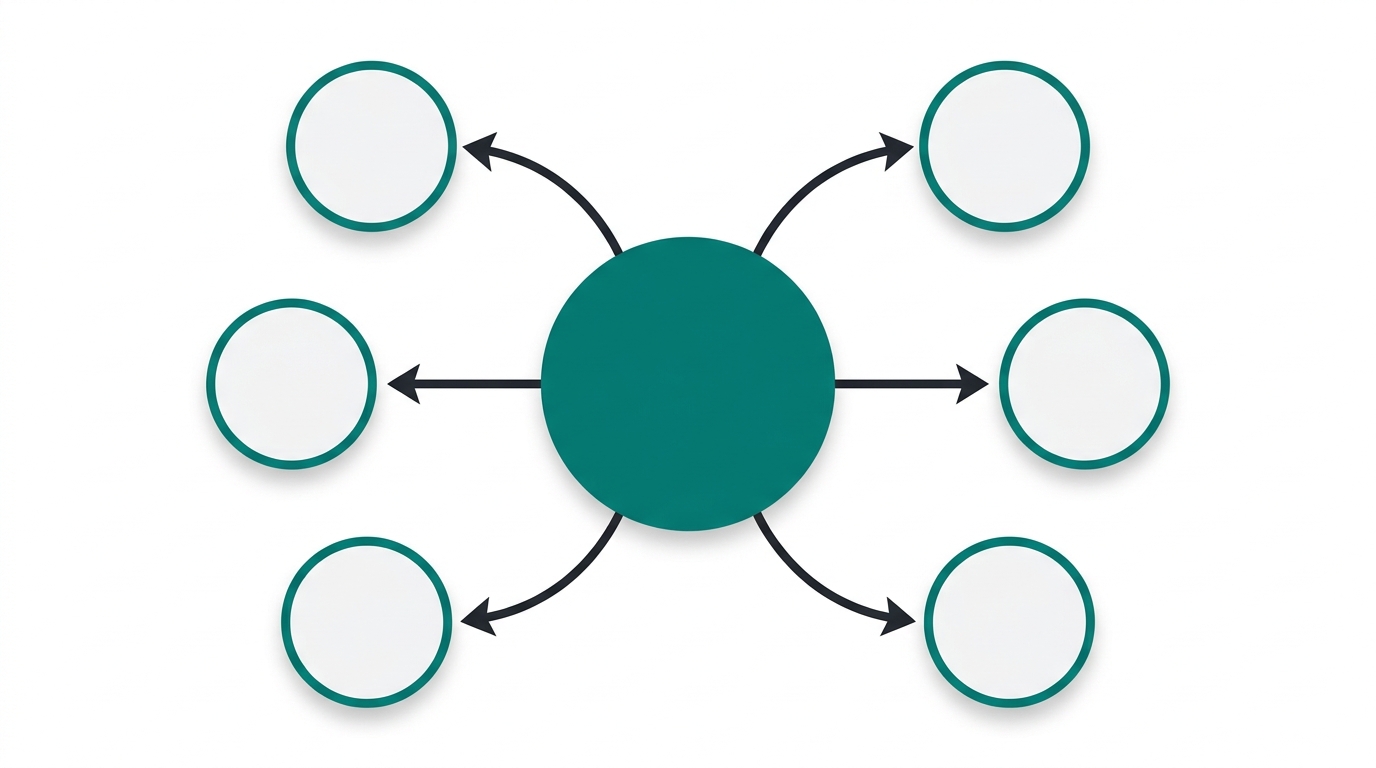
At Day 31, run the Screaming Frog crawl again. Look specifically for pages that still have zero inbound internal links. These are your orphan pages.
E9Digital names orphan pages as a direct indexation blocker. Google's crawler follows links. If no crawled page links to a URL, that URL may never get recrawled, regardless of its content quality. One link from one crawled page is enough to solve the problem. Find the closest existing post that mentions the same topic, add a link, and the page enters the crawl queue. AIOSEO confirms crawlability as the first benefit of internal linking, and fixing orphans is the fastest win in this entire playbook.
Once orphans are addressed, start adding bidirectional links between cluster pages, not just from pillar to cluster. If post A links to post B, consider whether post B should also link to post A. Bruce Clay's silo best practices cover bidirectional linking within clusters as a signal of topical depth. Google uses link patterns, not just individual links, to infer how much authority a topic cluster carries.
Check GSC's Pages report for indexation status on any URLs you fixed at Day 31. Expect several weeks for Google to recrawl and index them after you add the first link. Don't panic if they don't show up in the coverage report immediately.
Day 61-90: Measure Movement and Double Down
Pull three metrics from GSC for each page you targeted in the first two phases:
- Impressions: is Google surfacing the page for more queries now?
- Clicks: is CTR holding relative to the new impressions?
- Average position: is the page moving up in the rankings?
The 90-day window is deliberate. Shorter windows produce noise. Internal link changes need time to propagate through Google's index before you can reliably attribute ranking movement to them.
Look at which donor pages produced the most movement in your targets. Those are your highest-authority pages. AIOSEO's section on PageRank distribution explains why some pages pass more authority than others. You don't need to calculate PageRank manually. You just need to find your best-performing donors empirically, then use them more.
One thing almost no competing post on this topic addresses: if a target page gained impressions but not clicks, that's a title and meta description problem, not a linking problem. Don't add more internal links to fix a CTR issue. The page is ranking for more queries. It's just not compelling enough to click. Fix the title first, then measure clicks for another 30 days.
Document what moved, what didn't, and your hypothesis for why. That document becomes your input for the next 90-day cycle. The compound effect depends on each iteration being smarter than the last.
What to Avoid (Common Mistakes That Stall the Compound Effect)
Four patterns consistently break the feedback loop:
- Linking only to your homepage or product page from every post. Shopify's internal linking guide notes that over-linking to top-level pages flattens site hierarchy and concentrates authority in places that don't need it.
- Repeating the same anchor text for every link to a given page. E9Digital flags repetitive anchor text as a pattern that reduces internal link value. Vary your phrasing. It signals to Google that multiple contexts on your site point to the destination for related but distinct reasons.
- Batching 10+ link changes at once and then trying to measure results. When you make changes in bulk, you can't isolate which donor page or anchor text variant drove movement. The 30-day checkpoint cadence in this playbook exists specifically to make attribution possible.
- Skipping the audit and going straight to adding links. Without knowing which pages carry authority, you're guessing at your donors. You might spend two weeks linking from low-impression posts that pass almost nothing.
FAQ
How long before I see ranking movement after adding internal links?
Expect several weeks before GSC data reflects meaningful changes. Google needs to recrawl the donor pages, follow the new links, reprocess the target pages, and update its index. If you measure at Day 14, you're reading noise. The 30-day checkpoint is the earliest reliable signal.
Do I need a paid tool for this, or can I do it with free tools?
The core audit works with free tools. Google Search Console is free and gives you impressions, clicks, and position data. Screaming Frog's free tier crawls up to 500 URLs, which covers most founder blogs. If your site has more than 500 URLs, a paid Screaming Frog license or a trial of Ahrefs Site Audit covers the rest.
What if my site is new and I only have 10-15 posts?
The playbook still applies, but the math is different. With fewer pages, orphan pages are easier to fix manually, and you'll exhaust your donor list faster. Focus on making sure every post links to at least one other post on a related topic. The compounding effect takes longer to show with a small site, but the structure you build now pays off as you publish more.
Can I over-optimize internal links and trigger a Google penalty?
There's no documented penalty for natural internal linking, even at high volume. The risks are editorial, not algorithmic. Over-linking to one page with identical anchor text looks unnatural and reduces the signal value of each link. Linking to irrelevant pages in forced contexts frustrates readers and can increase bounce rate. Keep links contextually relevant and anchor text varied, and you're not at risk.
Should I update old posts to add links, or only add them to new posts going forward?
Update old posts. New posts start with zero authority. Your highest-leverage link donors are pages that have been indexed and earning impressions for months or years. Going back to those posts and adding links to newer targets is exactly what this playbook is built around. Writing new posts and linking within them is useful, but it's slower to compound because the donor pages haven't accumulated authority yet.
Sources
- Shopify — Internal Linking Benefits
- Bruce Clay — SEO Silo Best Practices for Blogging
- E9Digital — Internal Linking: What Is It and Why It's Non-Negotiable
- Benchmark Email — Internal Linking Tree
- AIOSEO — Internal Linking Best Practices
- Safari Digital — Internal Links in Footer SEO
Open Google Search Console right now. Go to Performance > Pages, sort by impressions, and copy your top 20 URLs into a spreadsheet. Run a free Screaming Frog crawl and add an inbound link count column next to each URL. Find the three pages with the highest impressions and the fewest inbound links. Those are your first targets. Add two contextually relevant links to each one this week, set a 30-day reminder, and the first cycle is running.