
How to Refresh Decaying Blog Posts With AI Without Losing Rankings
A post that used to pull 2,000 visits a month is now pulling 400. The rankings slipped. The impressions shrank. And the instinct is to hand the whole thing to an AI tool, say "rewrite this to be better," and publish whatever comes back.
That instinct will cost you rankings.
The posts that recover fastest are the ones where someone made deliberate choices: here's what I'm keeping, here's what I'm replacing, here's what needs a source that actually works. Full AI rewrites tend to strip the specific examples that earned the original links, swap the heading structure Google already indexed, and rewrite the intro in a voice that sounds nothing like the author.
This post walks through a three-part framework: diagnose first, edit second, verify third. Each step has a specific tool, a specific input, and a specific output. No vague "use AI to improve your content." Concrete moves only.
What "Content Decay" Actually Looks Like in GSC
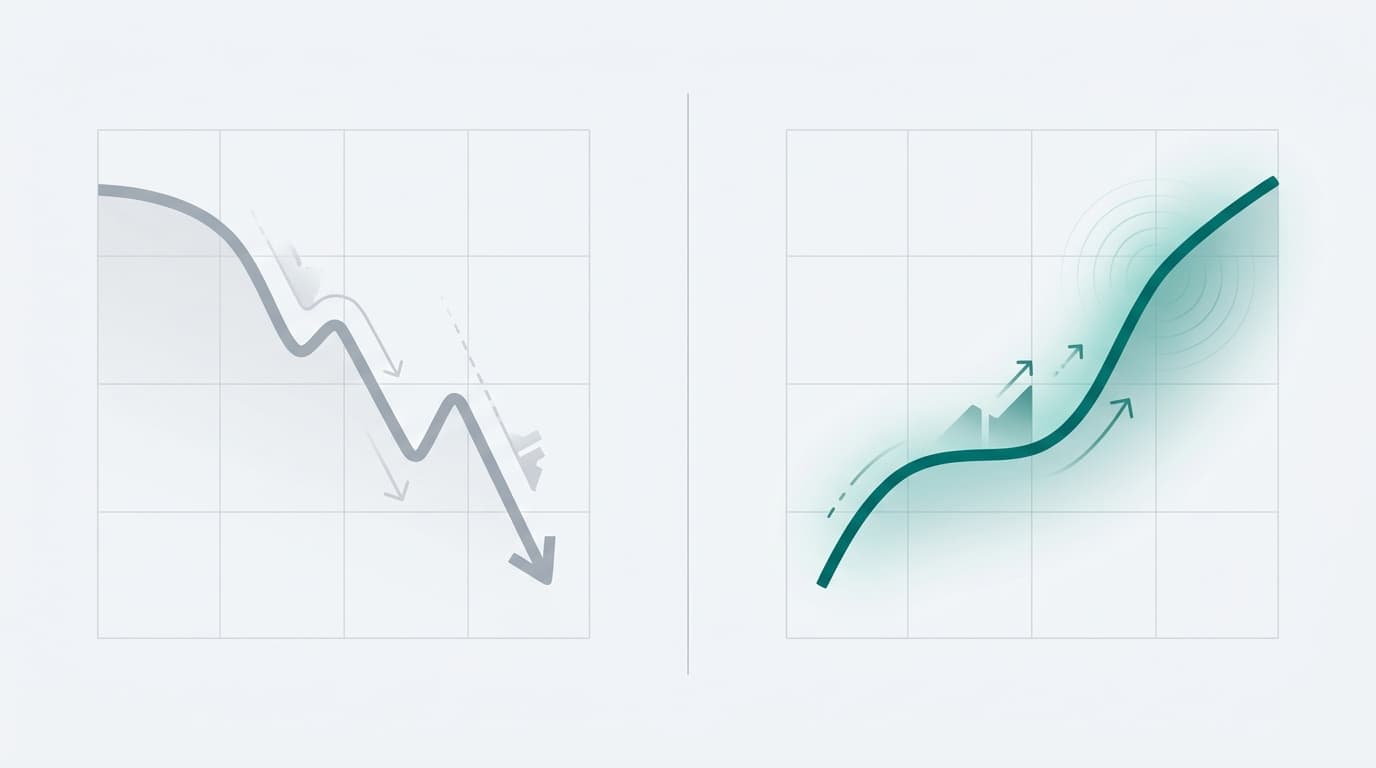
Content decay isn't a moment. It's a pattern: consistent drops in impressions and clicks over 60 to 90 days for a post that previously ranked on page one.
The cause matters because the fix is different for each one. According to SiteGuru, the three main causes are new competition, outdated information, and intent mismatch, which is one common cause that requires a different fix. A post that slipped because a competitor published something more thorough needs different treatment than a post that slipped because the topic shifted and your angle no longer matches what searchers want.
To diagnose which type you're dealing with, open Google Search Console. Go to the Performance report, filter by the specific page URL, and compare the last 90 days against the prior 90 days. Look for three signals:
- Average position creeping up (worse rankings, higher number)
- Impression share shrinking even if the position held
- CTR dropping while position stayed flat — this usually signals a title or meta description that no longer matches intent
Animalz identifies two clearer diagnostic signals before you commit to a refresh: outdated examples in the post itself, and slipping rankings you can confirm in GSC. If both are present, the post is a candidate. If only one is, keep watching.
The GSC diagnostic takes about ten minutes. Do it before writing a single word.
The One Rule: Never Rewrite What's Still Working
Before you change anything, document what you must preserve. These are non-negotiables:
- The URL (changing it breaks every inbound link the post earned)
- The H1 (Google indexed it; swapping it resets the relevance signal)
- The primary keyword in the first 100 words
- Any internal links pointing to this post from other pages on your site
The surgical edit principle is simple: change the paragraphs that are outdated or thin, leave the structure that's already working. Searchresults.com.au identifies entity clarity and internal links as two of the highest-leverage refresh targets. Both can be improved without touching the post's skeleton.
What AI tools get wrong when handed a full post to "improve": they rewrite the intro because it's the most prominent place to show changes, they restructure the H2s because they're pattern-matching against some generic template, and they replace specific named examples with generic ones. Those specific examples are often the reason the post earned links in the first place. Once they're gone, so is the signal.
The rule is: give AI a clearly bounded task. A section, not the whole post. A gap list, not a complete rewrite brief.
How to Use AI for the Diagnosis, Not Just the Draft
This is where AI earns its place in the workflow, and it's not in the drafting chair.
Before writing anything, run a gap analysis. Pull the top five ranking pages for your target keyword and feed them into an AI tool with a simple prompt: what subtopics do these pages cover that my post doesn't? Searchresults.com.au treats covering follow-up questions and strengthening proof as distinct steps in a refresh checklist. Both are gap-analysis tasks. AI can surface them in minutes instead of hours of manual reading.
Next, use AI to flag outdated claims. Feed your post to the model and ask it to identify any statistics, product names, or dates that are more than 18 months old. You'll get a list fast. You still have to verify each one against a real source, but having the list is the hard part.
The step most people skip: separate the AI's research output from its drafting output. Get the gap list. Read it. Decide yourself what's worth adding. Then brief the AI on specific additions, not a full rewrite. That separation is what keeps the post sounding like the original author instead of a committee.
The Refresh Workflow: Section by Section
Start with two places: the intro and the direct answer. Start with a direct answer in the opening section, since AI search systems often favor clear early answers. Searchresults.com.au notes that posts with a clear, early direct answer are more likely to appear in AI Overviews and featured snippets. Update the facts in both. Sharpen the answer. Keep the keyword placement exactly where it was.
Move to outdated sections next. Replace old statistics with sourced current ones. Swap any deprecated tools or examples. Add the subtopics the gap analysis surfaced, as new sections at the end or as added paragraphs inside existing sections. SiteGuru specifically calls out updating outdated information and adding sections for missing intent coverage as the two highest-return content fixes.
Then handle internal links. Find two or three newer posts on your site that should link to this one and add those links. Also update any links inside this post that point to older content you've since replaced or expanded. Searchresults.com.au flags internal link updates as low-risk and high-return, which is accurate: you're improving the graph without touching the ranking signals that already exist.
Finally, add an FAQ section using the follow-up questions the gap analysis surfaced. Searchresults.com.au says FAQ sections and schema can help support AI Overview and People Also Ask visibility. Use the real questions your gap analysis found, not generic ones.
Fact-Checking Before You Hit Publish
Every statistic in a refreshed post needs a live source URL. Not a URL the AI generated from memory. Not a URL that looks right. A URL you opened in a browser and confirmed still says what you think it says.
Searchresults.com.au frames "strengthening proof" as a distinct step in a refresh checklist because proof means verifiable evidence, not AI-summarized versions of sources. The two most common failures in AI-assisted refreshes are link rot (the cited page no longer exists) and misquotation (the AI paraphrased a stat incorrectly). Both will damage your credibility if a reader checks. Both will damage your rankings if Google identifies thin or inaccurate sourcing.
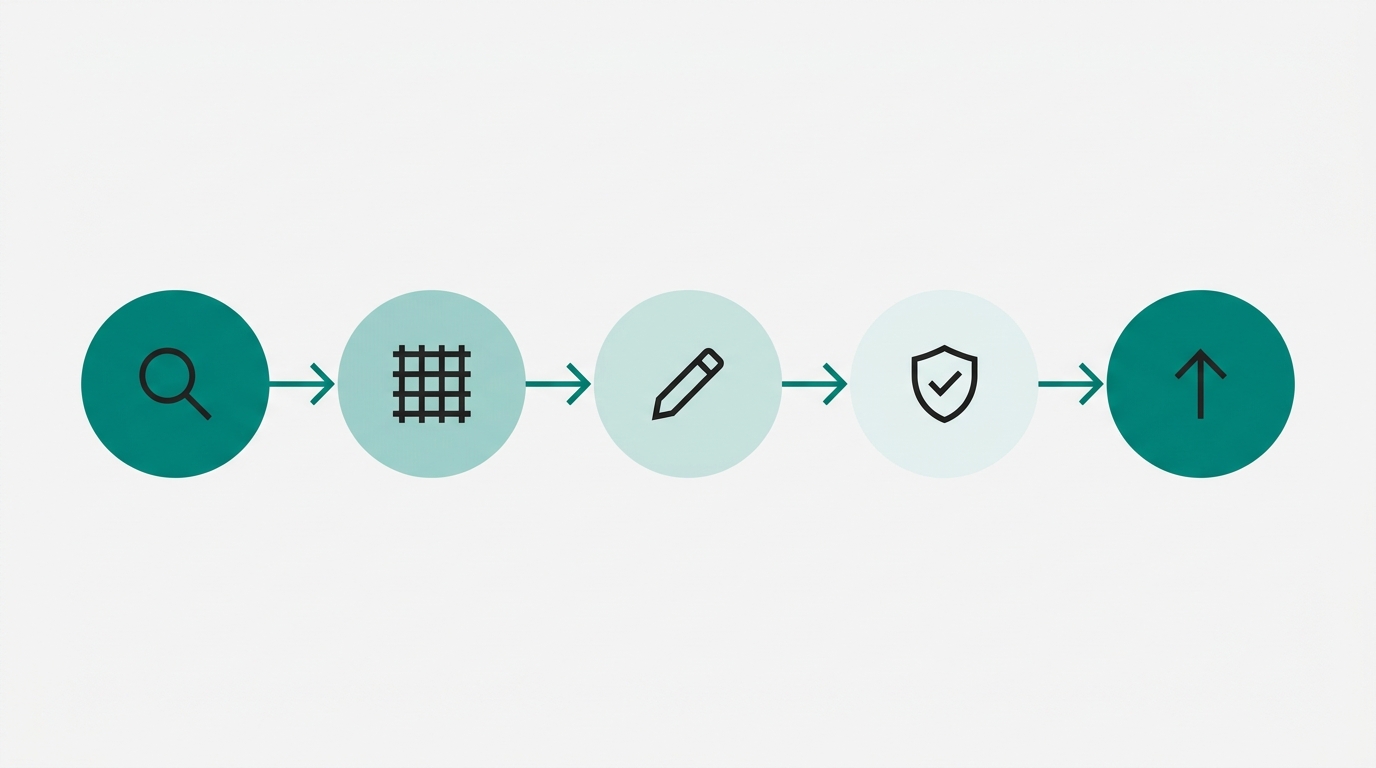
Run through every new or updated claim with three checks:
- Does the source URL still resolve?
- Does the page still contain the specific claim you're citing?
- Is the number you're using the same number on the page, not a rounded version?
Then run one final check the tools miss: does the refreshed post still sound like the original author? Brand voice is the easiest thing to lose in an AI-assisted refresh and the hardest to recover. Read the post out loud. If sections sound like they were written by different people, find the AI-written sections and rewrite them in the author's voice, using the AI draft as a structural guide only.
How to Measure Whether the Refresh Worked
Set two measurement windows before you publish: 30 days and 90 days. SiteGuru addresses this directly: recovery often takes weeks to months after a content update. If you're checking rankings every three days and panicking at variance, you're measuring noise.
Track three specific metrics:
- Average position for the target keyword (in GSC, filtered by page)
- Impressions for the post URL, compared to the pre-refresh baseline
- Whether the post now appears in AI Overviews or People Also Ask boxes for the target query
Searchresults.com.au specifically names AI Overview citations as a new measurement category for 2026. If your post is pulling featured snippet appearances or PAA placements, that's a leading indicator of ranking recovery before the main position metric moves.
If rankings drop further after the refresh, use this as a practical checklist item: check two things first, did the URL change, and did the H1 change? SiteGuru identifies intent mismatch as the hardest decay cause to fix and the easiest to accidentally introduce during a refresh. A rewritten H1 that drifts from the original query intent can push the post further down before it climbs back up. Keep the H1 unless GSC data is explicitly showing that the original keyword no longer matches what searchers want.
FAQ
How do I know if a post is worth refreshing or should just be replaced?
Look at the inbound links and historical rankings first. If a post earned real backlinks and ranked in the top five at some point, it has equity worth preserving. If it never ranked above position 15 and has no external links, a fresh post targeting a refined keyword is usually faster than a refresh.
Can I use AI to write the new sections even if I'm keeping the old ones?
Yes, but brief it tightly. Give AI the specific gap you're filling, the heading it should write under, and a word count. Don't give it the full post and ask it to "fill in the gaps." The more bounded the task, the more consistent the output will sound with the sections you're keeping.
How long should a content refresh take?
The diagnosis step (GSC audit plus gap analysis) takes 30 to 60 minutes if you're doing it manually. The actual editing depends on how much is outdated. A post where 20% of the content needs updating takes 1 to 2 hours. A post where the topic shifted significantly and 60% needs replacing is closer to a full rewrite and should be treated as one.
What if my post is decaying because the topic itself is less popular now?
Check search volume trends before you invest time in a refresh. If impressions are down because fewer people are searching the topic, no amount of content improvement will recover the traffic. Use Google Trends and GSC impressions together. Declining impressions with flat or growing search volume means a competitor beat you. Declining impressions with declining search volume means the topic cooled.
Does updating a post reset its "freshness" signal and risk a ranking drop?
Minor updates rarely cause drops. Major structural changes (new URL, rewritten H1, completely different angle) carry more risk. The safest refresh keeps the URL, H1, and opening keyword placement intact while updating the body. Google's own guidance on optimizing for generative AI features treats freshness and accuracy as positive signals, not reasons to penalize updated content.
Sources
- SiteGuru: Content Decay
- Animalz: Content Refresh
- searchresults.com.au: AI SEO Content Refresh Checklist 2026
- Search Engine Land: Google's guide on optimizing for generative AI features
Pull your GSC Performance report right now. Filter by page. Sort by impressions, compare the last 90 days to the prior 90 days. Any post down more than 20% is a refresh candidate. Pick the one with the most to recover, run the gap analysis before you write a word, and leave every URL and heading that Google already rewarded exactly where it is.
If you want the research, gap analysis, fact-checking, and draft handled in one pipeline without prompt-engineering each step yourself, that's exactly what Ryterr runs for you. Every citation is verified against a live source. Every stat is attributed. The post sounds like you wrote it because your brand voice is set before the first word is generated.